
Start / Neuigkeiten /
Pl@ntNet: Determine plants with an app
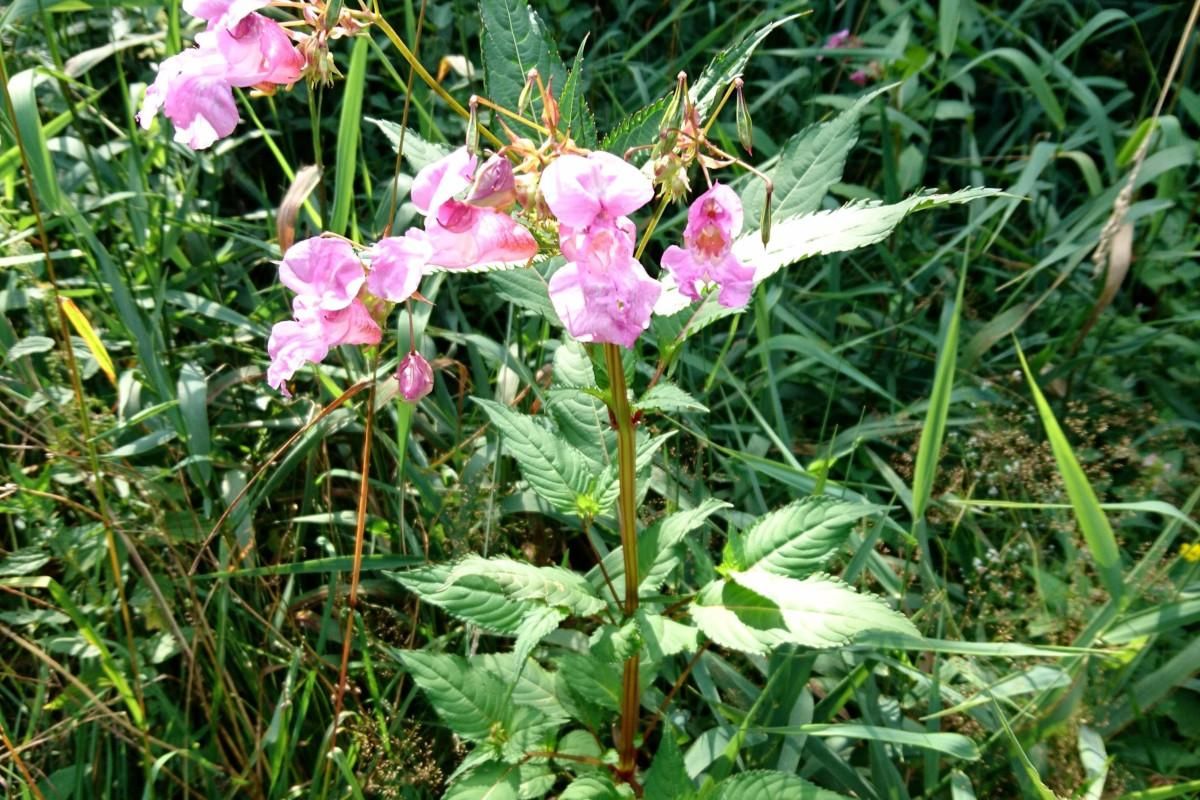
You don't know what's growing along the way? Pl@ntNet for Android and iOS makes the identification of trees, shrubs and flowers to be a child's play.
In the past, you needed thick books with complicated identification keys. Today it is also possible to identify plants by app. From the huge selection on Google Play and iTunes, we noticed a particularly positive one: Pl@ntNet. The gratis and advertising-free app is a project of several research institutions and is based on the community idea: users can upload suitable photos of plants in order to constantly improve the recognition software. The concept has been awarded full points, but what is the practical use of the app?
Set region
After the installation you choose first under projects as region Western Europe. Currently there are 6,580 species and almost 420,000 photos stored in the corresponding database. For testing purposes, we photographed on a fallow land in Leipzig. In this area is a high probability of finding more "exotic" plants.
Photographing plant parts
The camera button at the bottom right is self-explanatory. You have the choice to take a photo or to take one stored on your smartphone. The latter is practical if you don't have a network: Just take a picture and identify at home later. In this case, however, it is better to take the photos with your camera app. Pl@ntNet scales down the images automatically. This not only shrinks the file size, but also the image quality.
After we have taken (or selected) a picture, the app asks which part of the plant it is. You can choose between leaf, flower, fruit and bark. In order to increase the accuracy, it is recommended to always concentrate on one characteristic. Of course, this does not exclude taking several photos with different focal points. On the contrary: We have not only photographed our plant as a whole but have also taken photos only with leaves and only with flowers. You can check later whether the results match. The developers of the app recommend taking care of a neutral background (e.g. sky).
Selecting results
Finally, Pl@ntNet lists species that are most similar to the photographed plant. In our case, it is the Himalayan balsam. Of all the suggestions, the photos of other users of this plant come closest to our specimen. You can use the i-symbol to get further information, for example the corresponding Wikipedia article. If you click on Confirm, the determination is saved under My observations. In order to upload the photos and make them available to all users, you have to register. The determination will then be checked and - if everything fits - released.
Conclusion: it's worth trying out
It has never been so easy to quickly identify even less familiar species: take a picture, choose the right specie from a list, done. It only gets tricky when characteristics of different species resemble each other - for example the leaves of robinia and false indigo. After all, you have to decide for yourself on the basis of the proposed pictures and descriptions which plant it might be. Of course, this is not an error of the app, but a common mistake in plant identification and also more effective than completely leaving the determination to the software. That's why you should always photograph several characteristics one after the other. And then it quickly becomes clear that robinia and false indigo can be distinguished very well by the flowers. :)
If you also like the app, the developers will be happy if you donate your pictures to the project.